
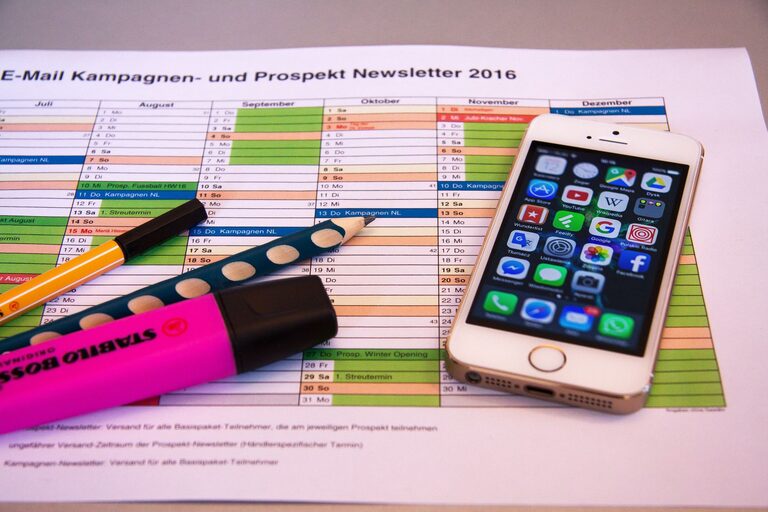
In today’s world, digital devices and online platforms are an essential part of our daily routines. Unfortunately, with the constant influx of emails, files, apps, and notifications, our digital spaces can quickly become chaotic and overwhelming. Decluttering your digital life can improve your focus, reduce stress, and help you use your technology more efficiently. Here’s a friendly and practical guide to help you regain control over your digital world.
Why Declutter Your Digital Life?
Digital clutter can affect your mental well-being just like physical clutter. Excessive files, emails, and apps can make it difficult to find what you need, lead to distractions, and slow down your devices. Taking the time to organize and simplify your digital environment promotes productivity and gives you peace of mind.
Step 1: Start with Email Inbox Management
Your email inbox is often the first place digital clutter accumulates.
– Unsubscribe from Unnecessary Newsletters: Identify newsletters and promotional emails you no longer read. Use tools like Unroll.Me or manually unsubscribe to stop receiving unwanted messages.
– Create Folders and Labels: Organize your emails by topic, project, or priority. Most email platforms allow you to create folders and apply labels for easy sorting.
– Use Filters and Rules: Automate sorting incoming emails into appropriate folders, so urgent emails stand out and less important ones are tucked away.
– Archive or Delete Old Emails: Set aside time to delete or archive emails that don’t require action, keeping your inbox clean.
Step 2: Organize Your Files and Folders
A cluttered digital filing system can waste time and space.
– Delete Duplicates and Unused Files: Use apps like Duplicate Cleaner or manual review to remove redundant files.
– Create a Logical Folder Structure: Group files into clear categories such as Work, Personal, Receipts, or Photos.
– Name Files Clearly: Use meaningful file names, including dates or descriptions, to easily identify contents.
– Back Up Important Data: Use cloud storage services or external drives to keep important files safe and accessible.
Step 3: Manage Apps and Software
Too many apps can slow down your devices and complicate your usage.
– Review Your Apps: Go through the apps on your phone, tablet, and computer. Delete those you haven’t used in months.
– Update Remaining Apps: Keep apps updated to ensure security and better performance.
– Organize Apps on Your Device: Group apps into folders on your home screen based on function (e.g., Social, Productivity, Entertainment).
– Limit Notifications: Turn off non-essential notifications to reduce distractions.
Step 4: Streamline Your Social Media Use
Social media can be a major source of digital clutter and distraction.
– Follow Only Relevant Accounts: Unfollow or mute accounts that don’t add value to your feed.
– Use Social Media Management Tools: Apps like Hootsuite or Buffer can help you schedule posts and manage multiple accounts efficiently.
– Set Time Limits: Use built-in screen time tools to limit how much time you spend on social apps each day.
Step 5: Clean Up Your Browser
Browsers can be filled with history, extensions, and bookmarks that slow performance.
– Delete Unused Bookmarks: Keep only the bookmarks you actively use.
– Clear Cache and Cookies Regularly: This helps improve browser speed and protects your privacy.
– Review Browser Extensions: Remove extensions you no longer use or that pose security risks.
– Organize Bookmarks into Folders: Group similar bookmarks together for quick access.
Step 6: Protect Your Digital Space
Decluttering is not just about removing; it’s also about maintaining a safe space.
– Use Strong Passwords: Use a password manager to generate and store secure passwords.
– Enable Two-Factor Authentication: Add an extra layer of security to your accounts.
– Perform Regular Security Scans: Keep antivirus software updated and scan for malware.
– Backup Your Data Regularly: Ensure your important data is backed up to prevent loss.
Step 7: Adopt Good Digital Habits
Maintaining a clutter-free digital life is easier with consistent habits.
– Schedule Regular Cleanups: Set a monthly or quarterly reminder to review and organize your digital files and emails.
– Be Mindful of Downloads: Only download files and apps you need.
– Limit Multi-Device Duplication: Use cloud syncing wisely to avoid unnecessary duplicates.
– Practice Digital Minimalism: Focus on essential tools and content that support your lifestyle and goals.
Conclusion
Decluttering your digital life doesn’t have to be overwhelming or time-consuming. By breaking the process into manageable steps, you can create an organized, efficient, and less stressful online environment. Start small with one area—whether it’s your email inbox, file system, or apps—and gradually expand your efforts. Over time, these changes will help you enjoy a smoother, more productive digital experience.